AI HTML Presentation Templates
Browse AI HTML presentation templates with cinematic layouts, tuned motion, and clear style notes for coding agents. Preview a design, copy the prompt, and let an AI agent generate the finished HTML deck.
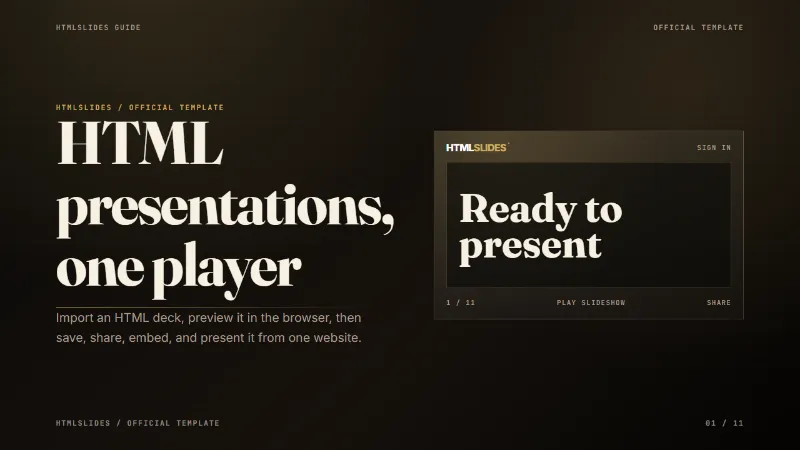
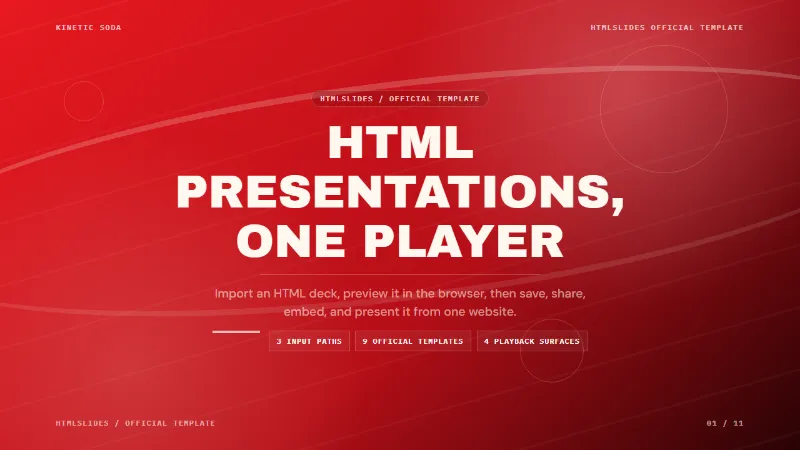
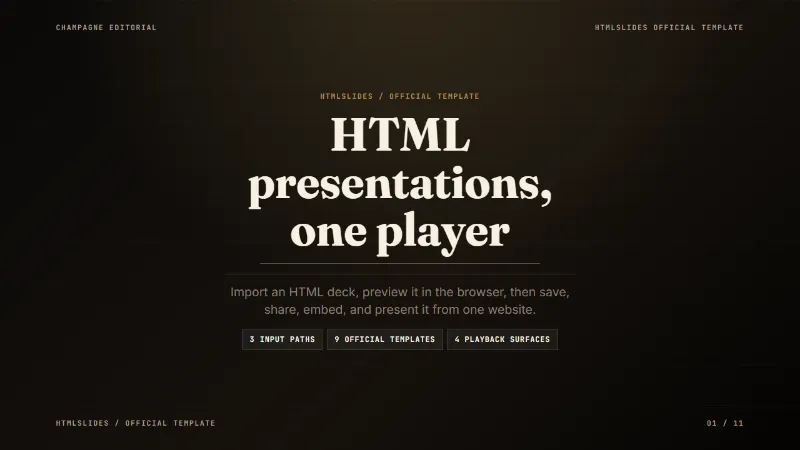
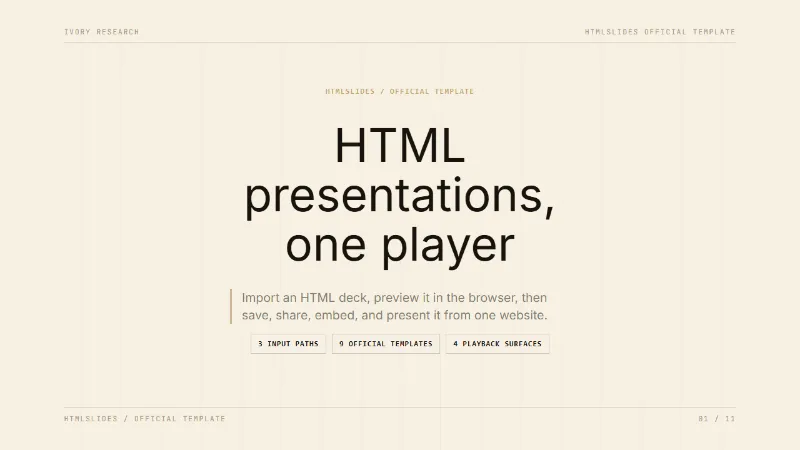
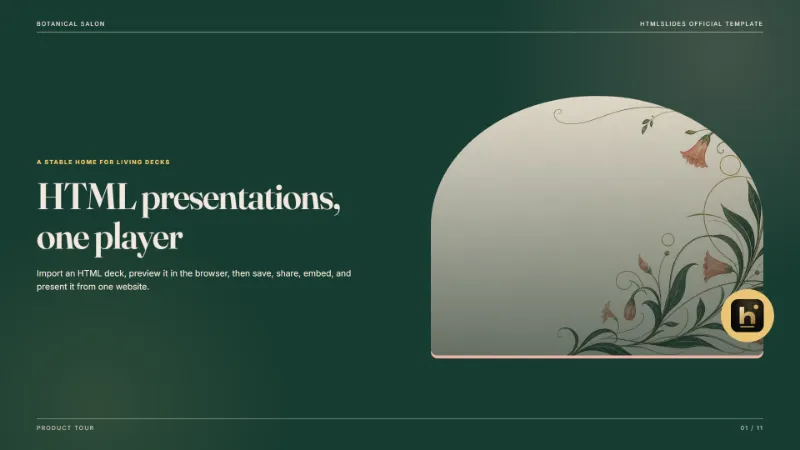
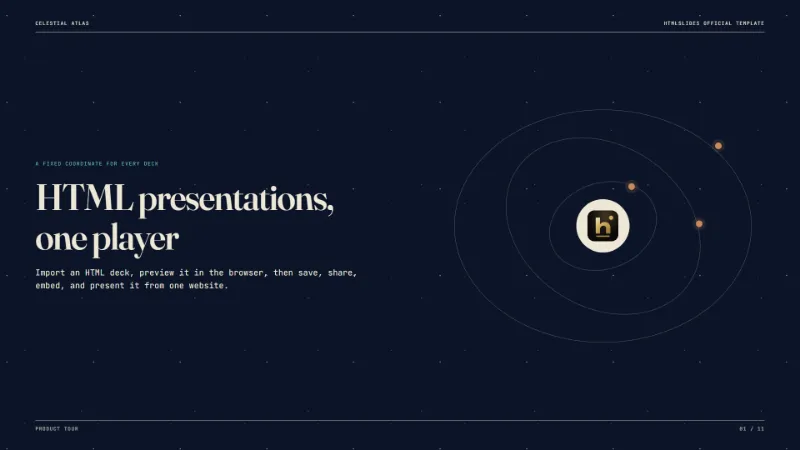
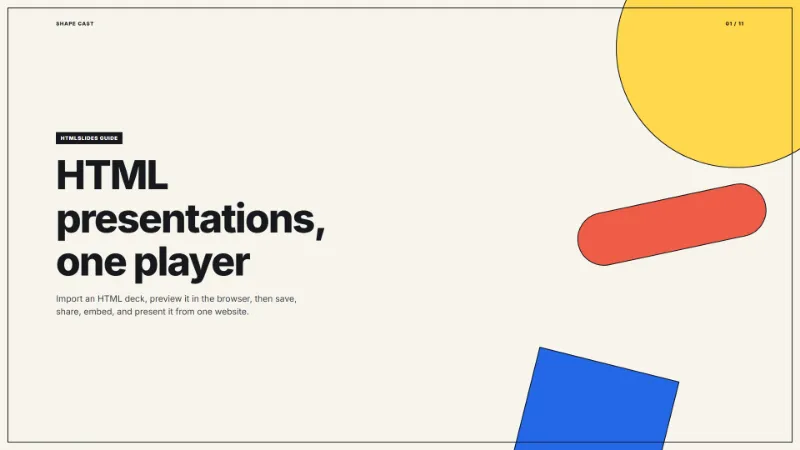
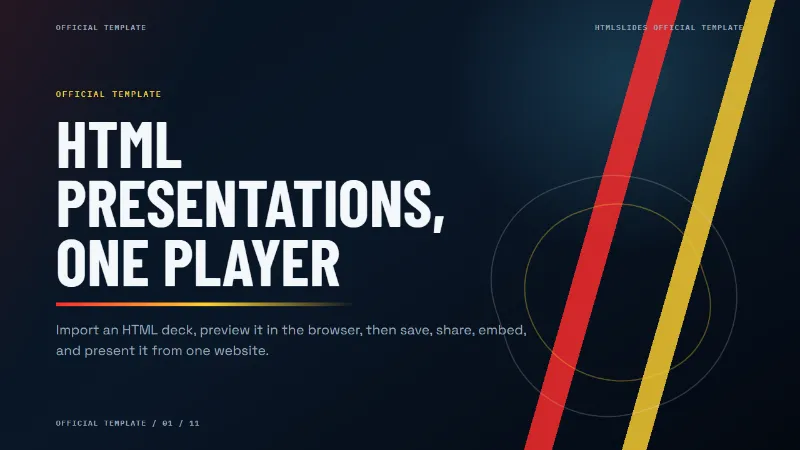
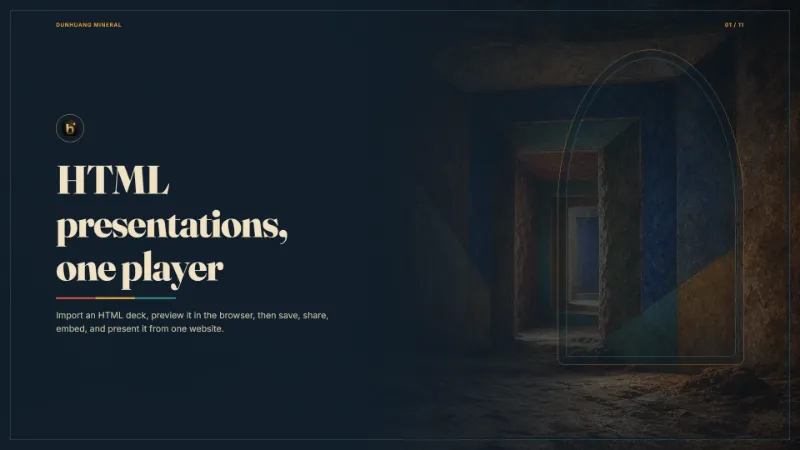
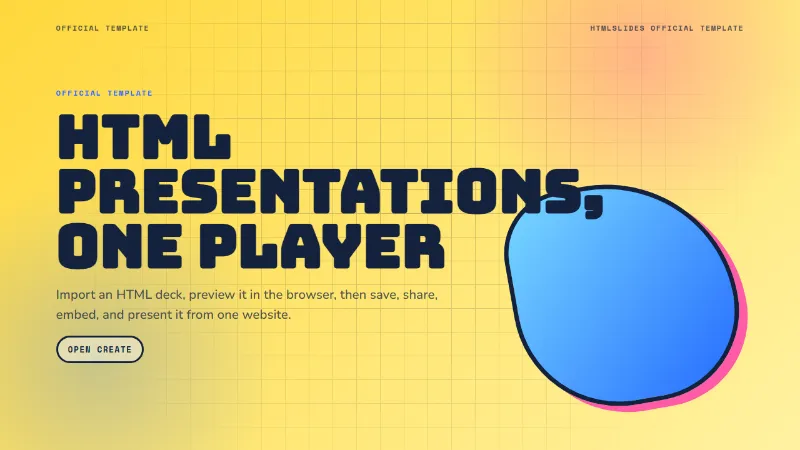
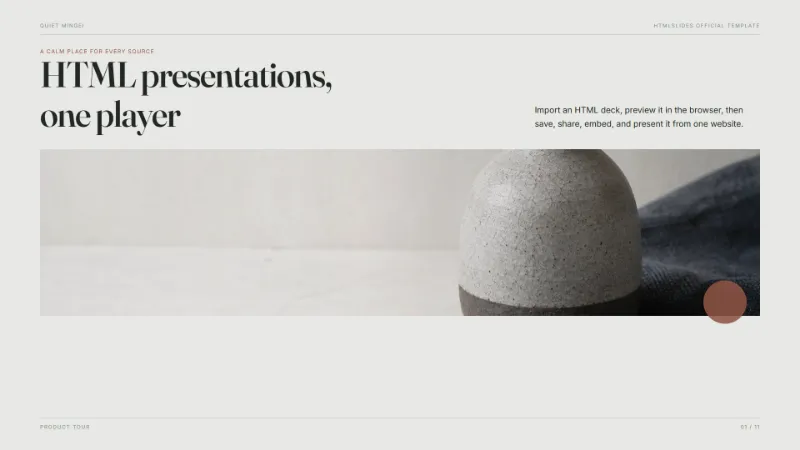
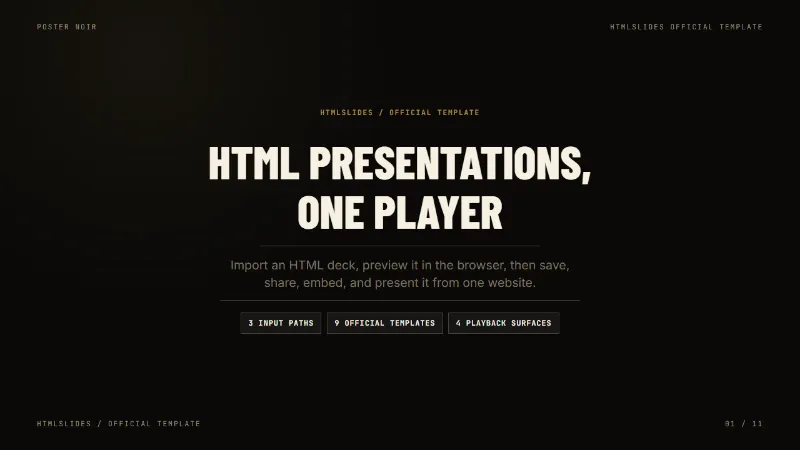
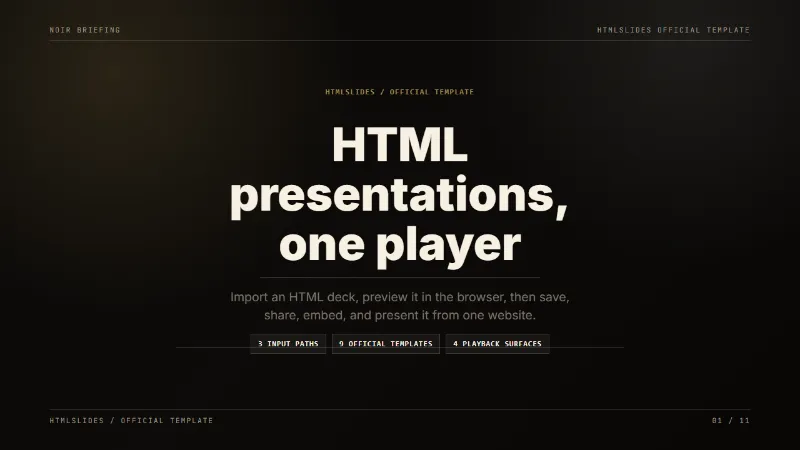
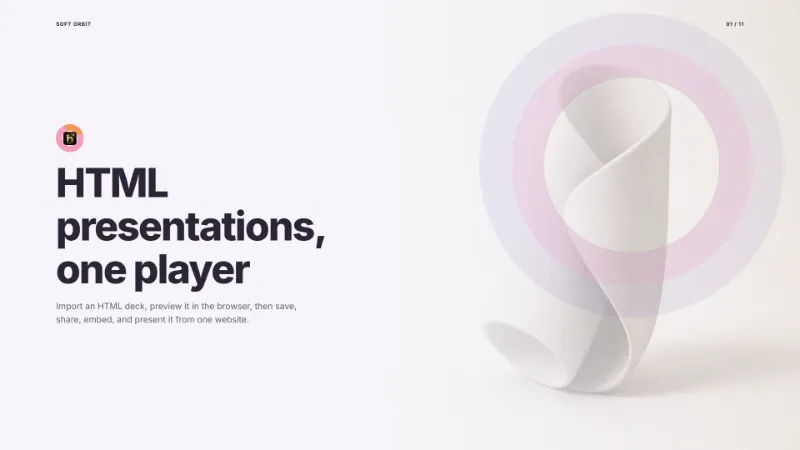
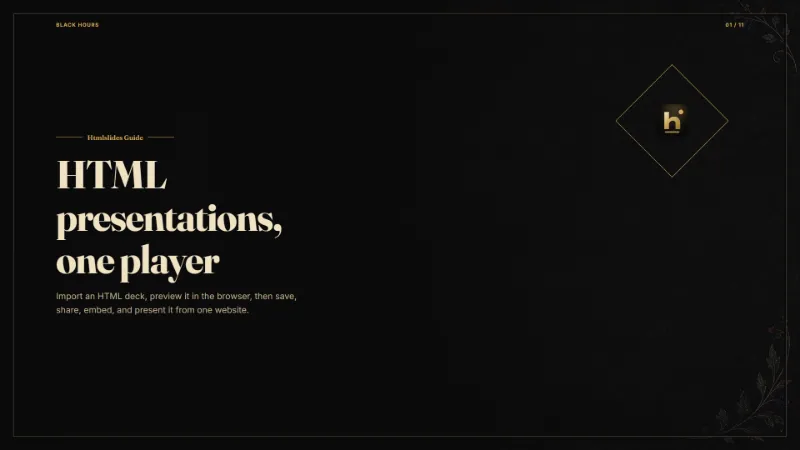
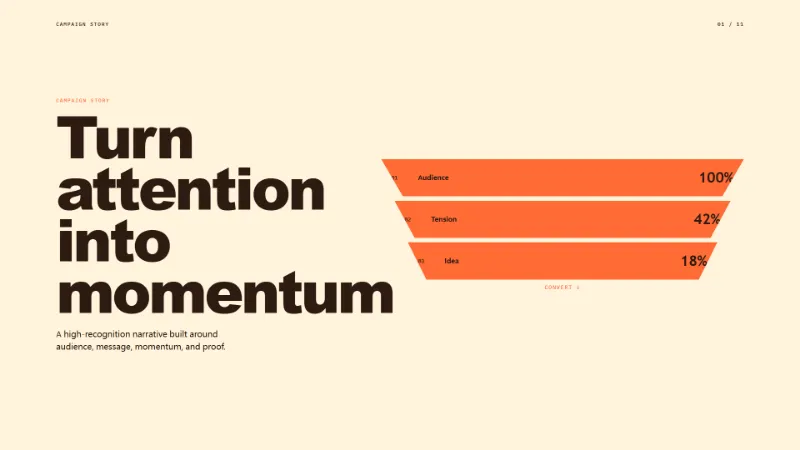
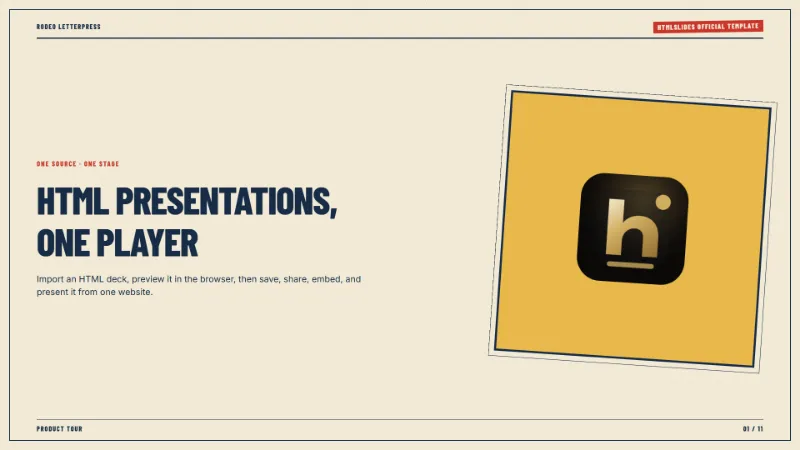
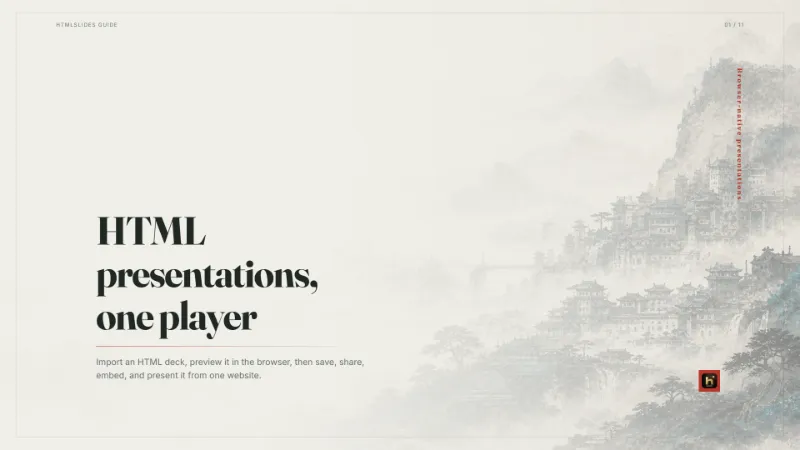
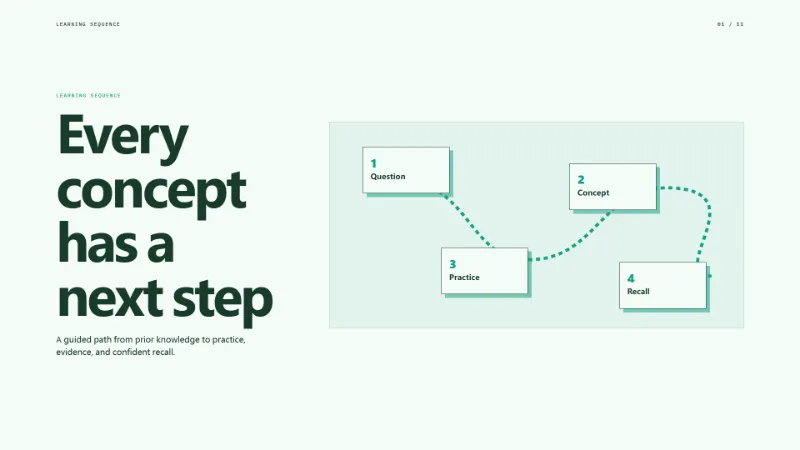
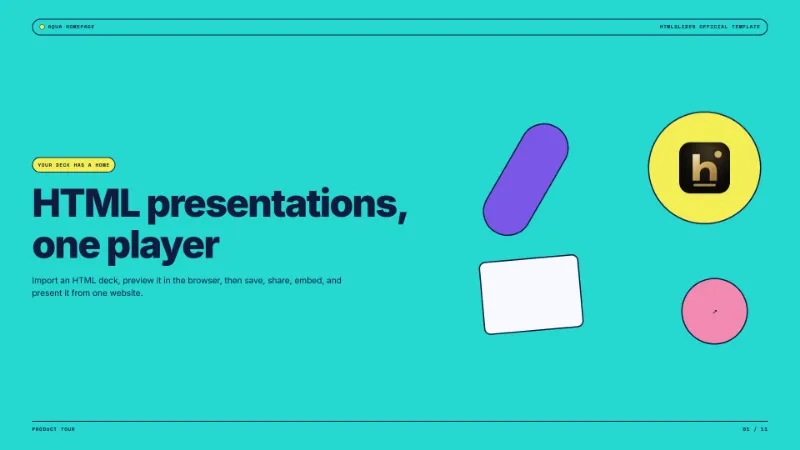
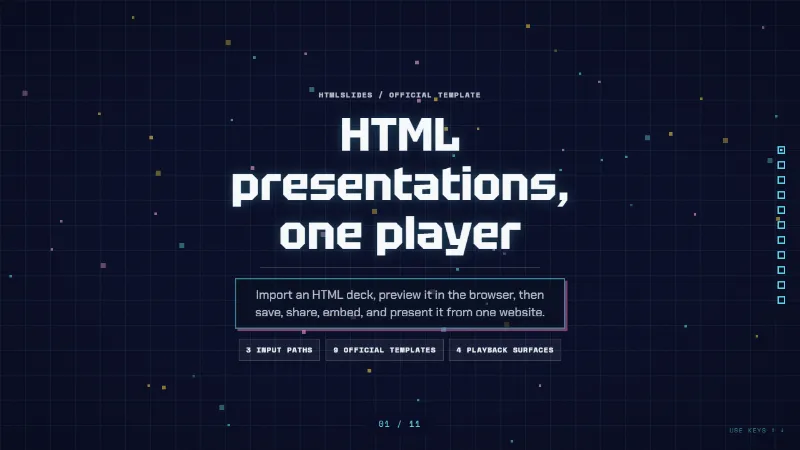
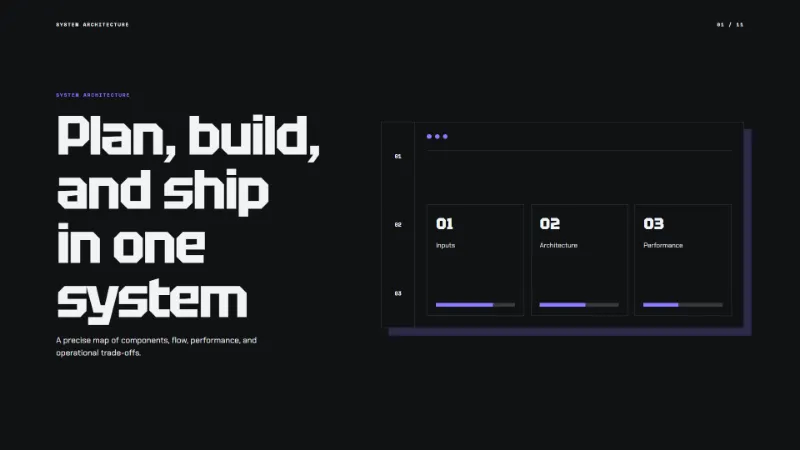
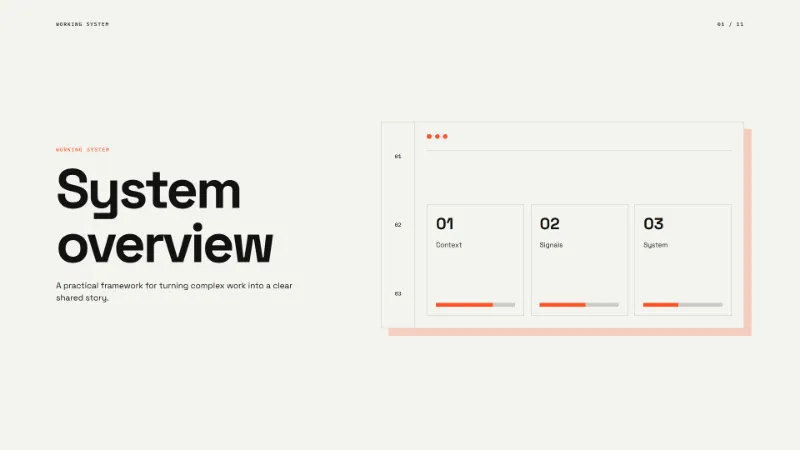
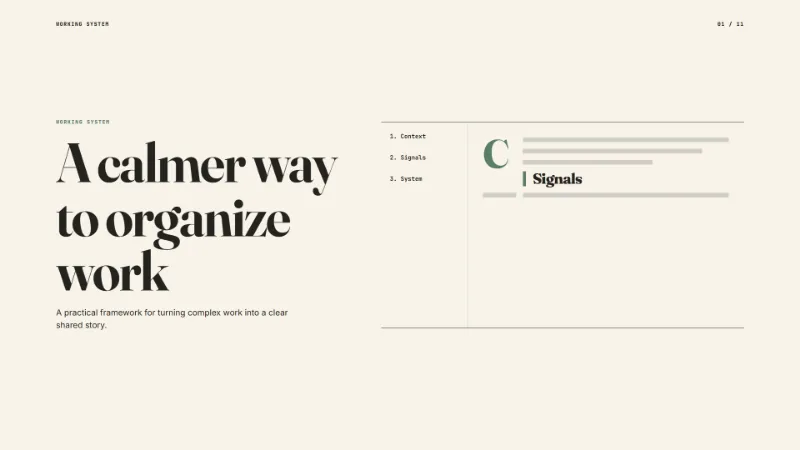
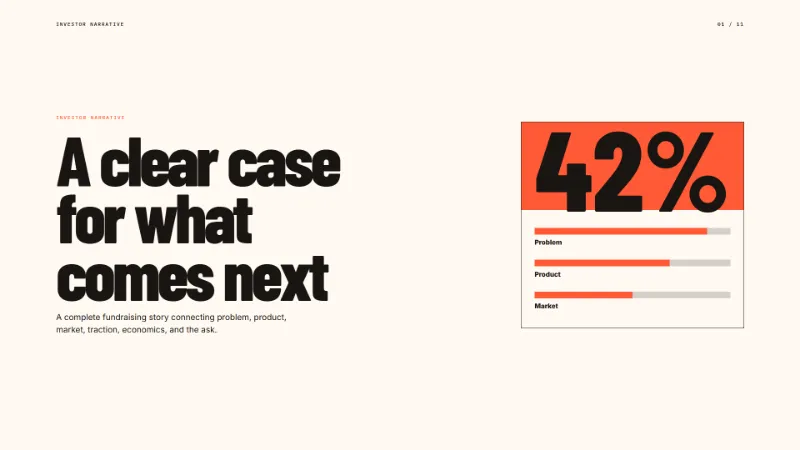

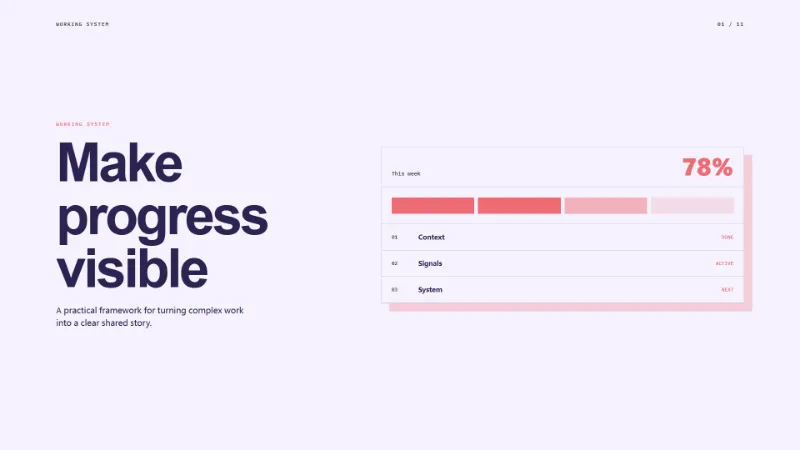

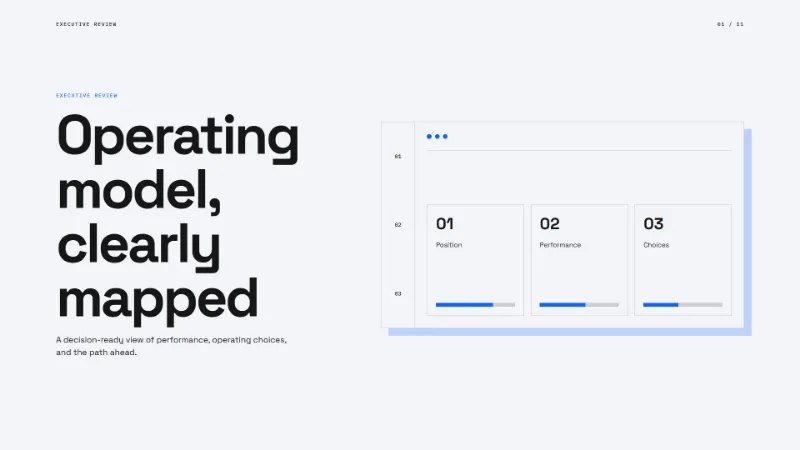
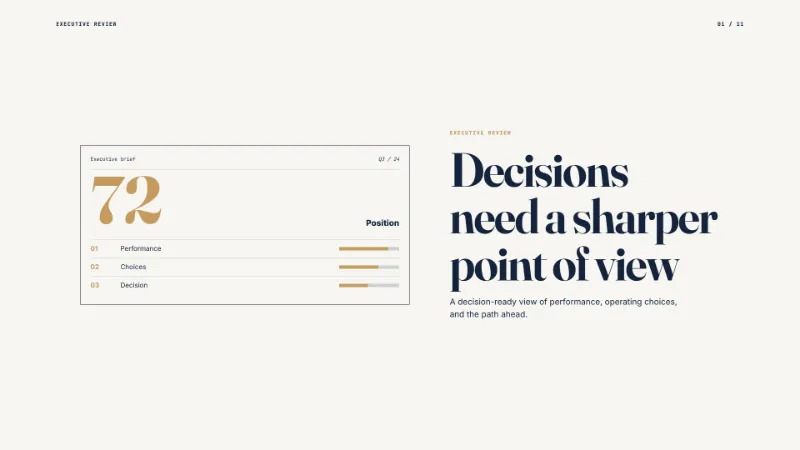
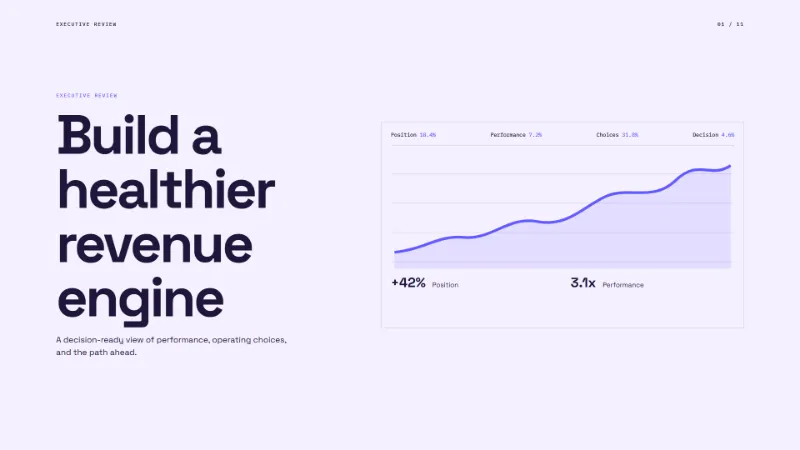
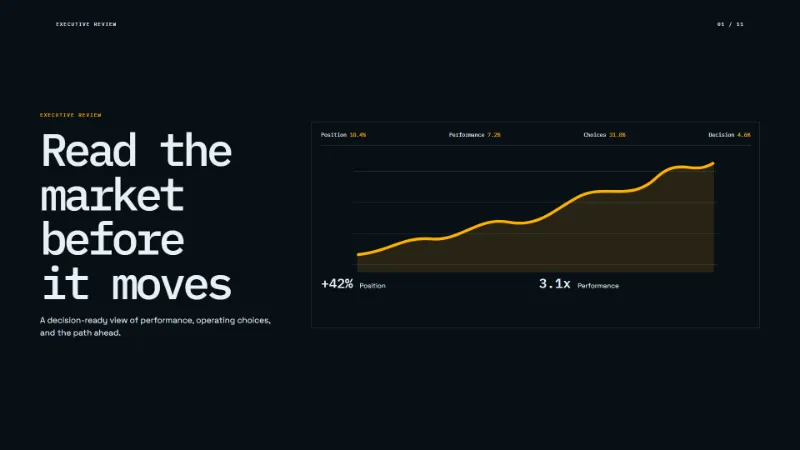
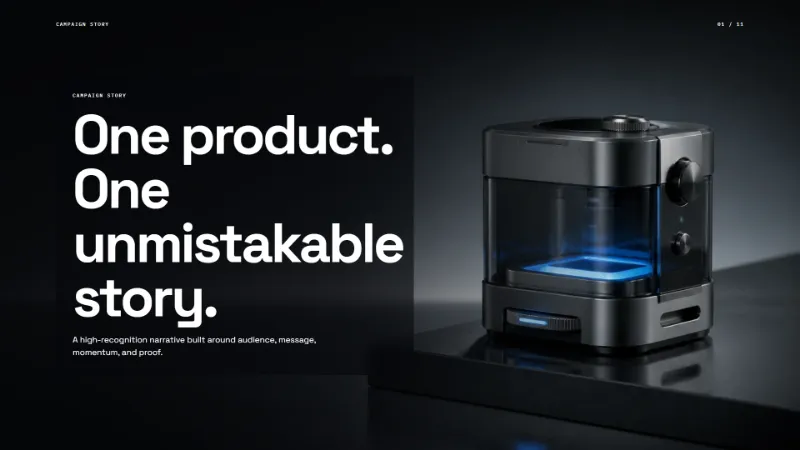
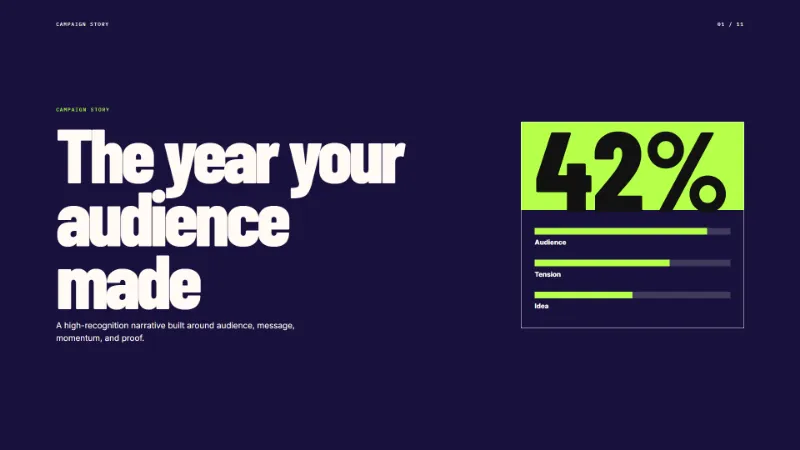



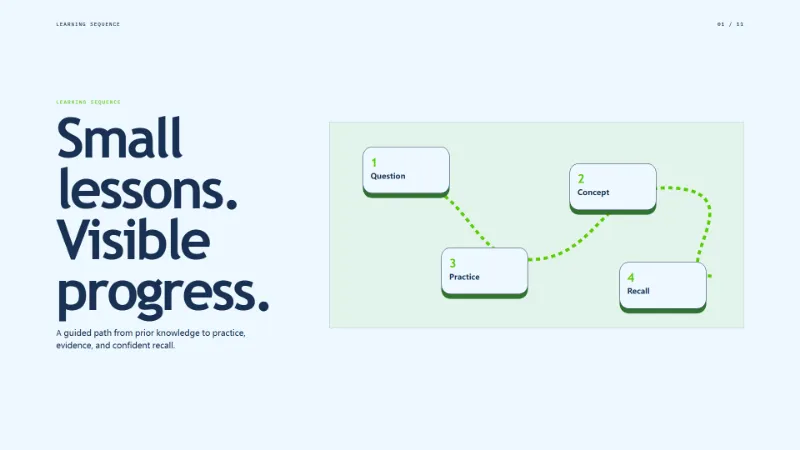
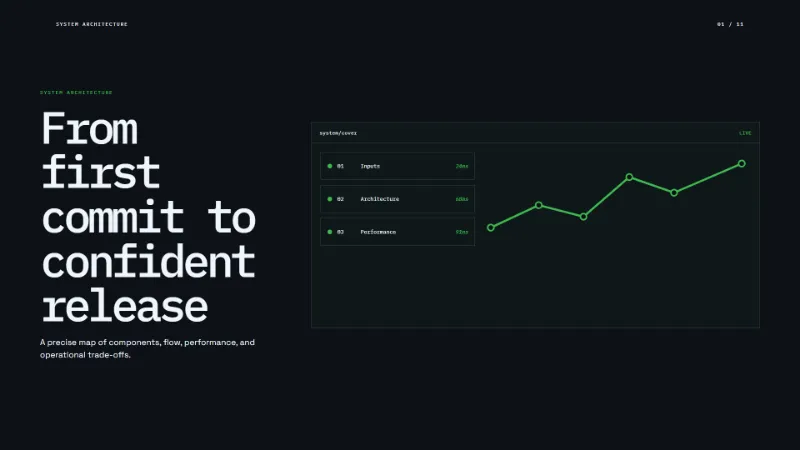

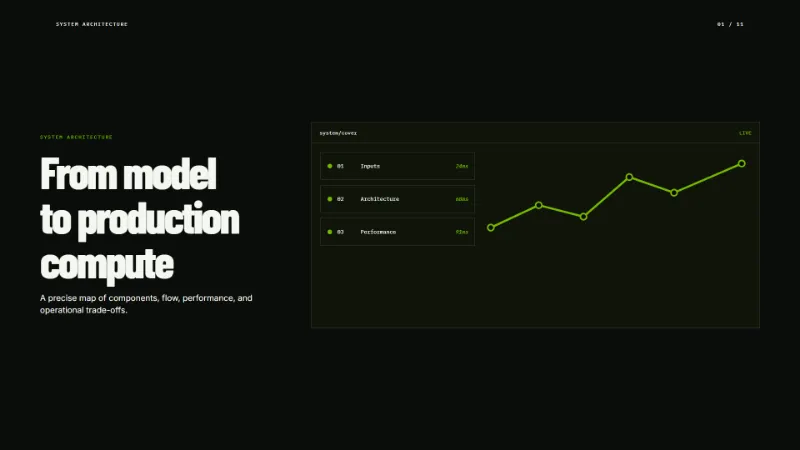
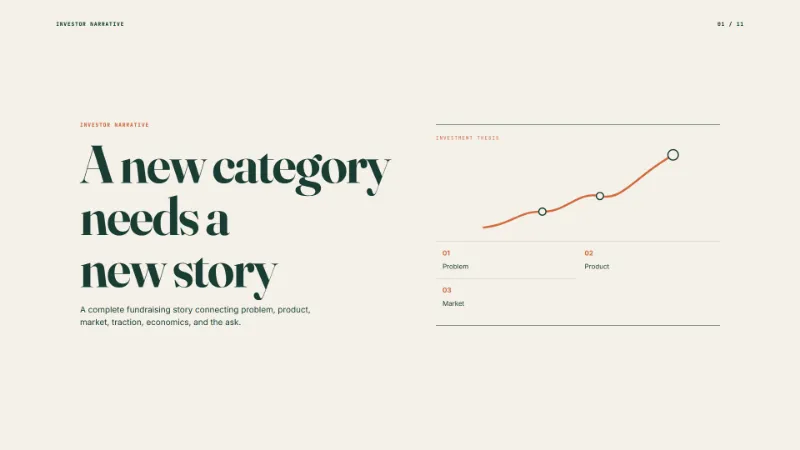
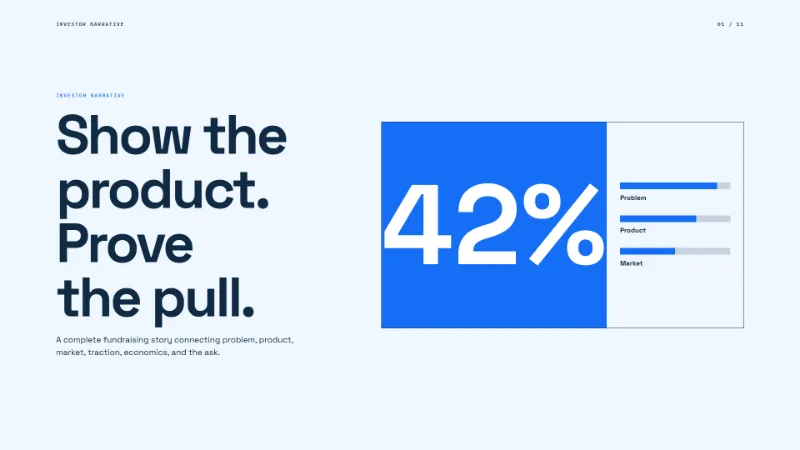
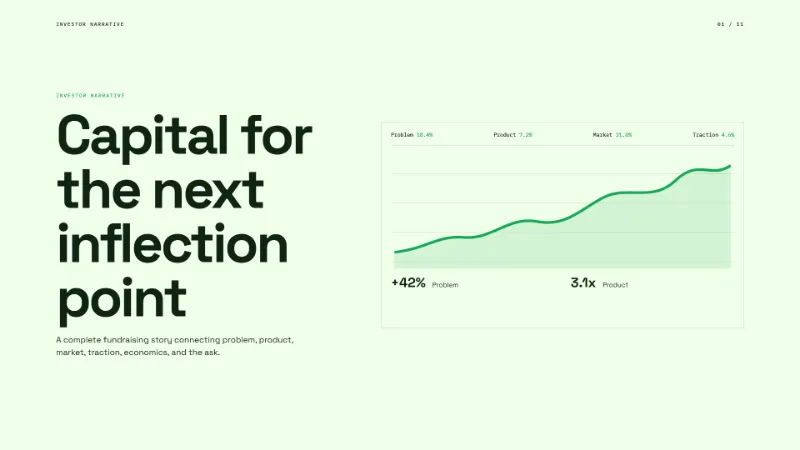
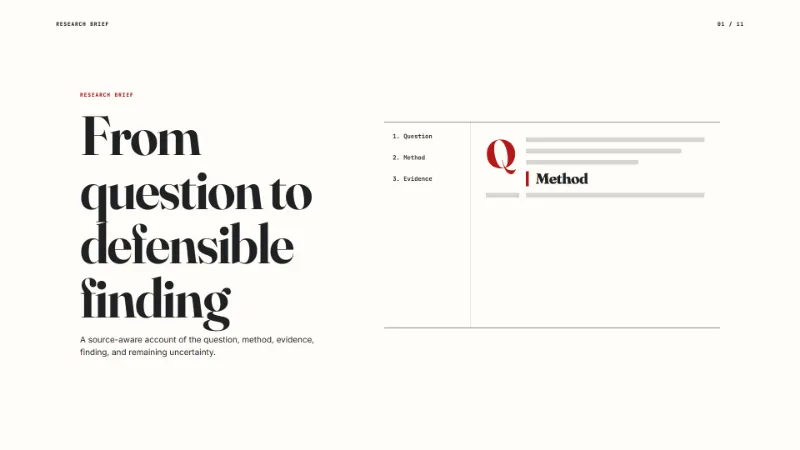
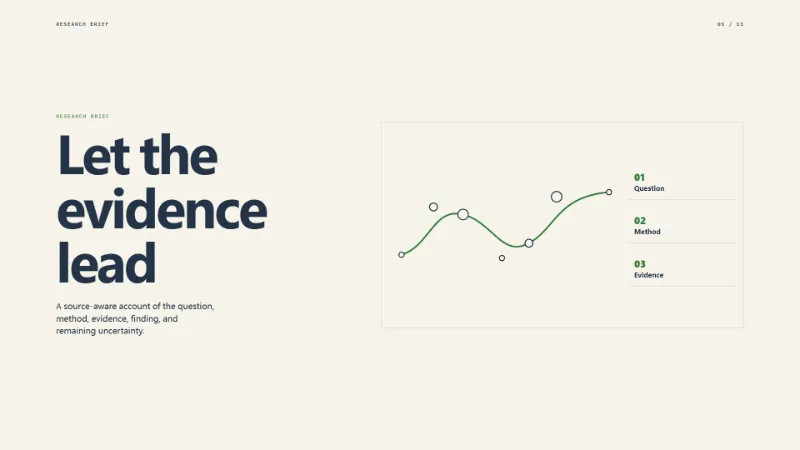


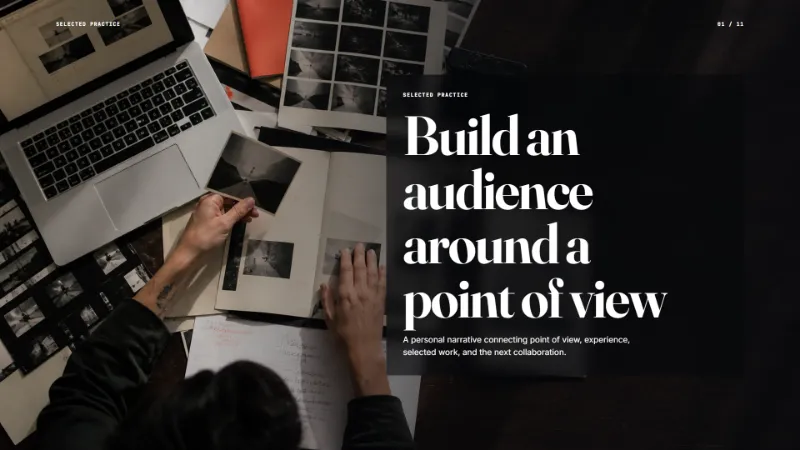

AI HTML presentation templates for browser-native decks
AI HTML presentation templates are pre-built slide deck designs rendered as standard HTML and CSS. Instead of starting from a blank file or a proprietary format, an AI coding agent reads the template source, adapts the layout and content to your topic, and produces a finished deck that plays in any browser. htmlslides hosts these AI HTML presentation templates so teams can preview a design, copy the template reference prompt, and hand it to a coding agent that writes the final presentation.
How AI HTML presentation templates work
Each template in the marketplace above is a complete HTML deck with slide sections, responsive styling, and motion hooks. When you find a design that fits your use case, click Apply to receive an authorized template reference URL and a ready-made prompt for your AI agent. The agent then reads the AI HTML presentation template, understands its structure, and generates a new deck that follows the same design system but carries your content, data, and narrative.
The finished HTML deck is imported back into htmlslides for browser playback, link sharing, embedding, and optional video export. The template itself is never edited inside the marketplace — it serves as a source contract that the AI agent reasons about in its own coding environment.
What to look for in AI HTML presentation templates
Not every template will fit every project. When evaluating AI HTML presentation templates, consider the following criteria:
- Page-type coverage. The template should include layouts for the slide types your deck needs — title, agenda, comparison, data chart, quote, section break, and closing. A template with more page types gives the AI agent more structural options when generating the deck.
- Visual hierarchy and readability. A good AI HTML presentation template establishes clear type scale, spacing rhythm, and contrast so that the generated slides remain legible at projection size and on smaller screens.
- Motion and interactivity.HTML decks can include CSS transitions, scroll-driven animation, and interactive elements that static slide files cannot. Check whether the template's motion patterns match the tone of your presentation.
- Customisation surface. Templates that use CSS custom properties or well-named classes are easier for an AI agent to recolour, restructure, or extend without breaking the layout.
Why choose HTML templates for AI-generated presentations
Traditional presentation tools produce binary files that are hard for coding agents to generate reliably. AI HTML presentation templates sidestep this by using a format that AI agents already understand — standard HTML and CSS. This means an agent can write an entire deck as a single file, test it in a browser, and ship it as a shareable link without any conversion step.
HTML decks produced from AI HTML presentation templates also play identically across operating systems and devices. There is no font substitution, no layout drift, and no need for the audience to install a specific application. The deck renders in any modern browser, embedded on a website, or shared as a link.
The AI HTML presentation template workflow
1. Preview and select a template
Browse the template cards above. Open Preview to inspect the full deck design — check its page types, density, motion style, and colour palette. Choose an AI HTML presentation template whose structure aligns with your outline and audience expectations.
2. Apply and copy the agent prompt
Sign in and click Apply. You will receive an authorized template reference URL and a prompt tailored for AI coding agents such as Claude Code, Codex, or Cursor. Copy the prompt — it already contains the template link and instructions for generating a compliant deck.
3. Generate with your AI agent
Paste the prompt into your coding agent alongside your outline, source material, and any data the deck needs to present. The agent reads the AI HTML presentation template reference and produces a new HTML file that follows the template's design system while carrying your content.
4. Import, play, and share
Upload the generated HTML deck to htmlslides. The deck plays in the browser, can be shared as a link, embedded on a page, and exported to video. You can iterate by re-prompting the agent or editing the HTML directly.
AI HTML presentation templates vs. traditional slide templates
PowerPoint and Google Slides templates are designed for manual editing inside a visual editor. AI HTML presentation templates are designed for code generation. The difference matters when an AI agent is doing the work:
- AI agents write HTML far more reliably than they produce valid .pptx or Google Slides files. HTML is a text format they already reason about fluently.
- HTML decks carry animation, transitions, and interactive media as native web features — no plugin or embedded object required.
- A single HTML file is easy to version-control, diff, and review in a repository, which fits naturally into coding-agent workflows.
- HTML decks share as links and embed as iframes, so the audience always sees the latest version without downloading attachments.
Frequently asked questions about AI HTML presentation templates
What are AI HTML presentation templates?
They are pre-designed slide decks written as standard HTML and CSS. An AI coding agent reads the template, adapts it to your content, and produces a finished presentation that plays in any browser without installing additional software.
Do I need to know how to code to use these templates?
No. The workflow is designed for collaboration with AI coding agents. You provide the outline and source material; the agent reads the AI HTML presentation template and generates the deck for you.
Can I customise an AI HTML presentation template after generation?
Yes. Because the output is standard HTML, you can edit it directly or ask the AI agent to make specific changes — adjust colours, add slides, rewrite copy, or swap layouts — without fighting a proprietary format.
Are AI HTML presentation templates free?
Some templates are free and others require credits. Free templates can be applied without purchase; paid templates need a one-time credit purchase before the agent prompt and reference are unlocked.
How do AI HTML presentation templates compare to PowerPoint templates?
PowerPoint templates work well for manual editing in the PowerPoint application. AI HTML presentation templates are optimised for AI coding agents that generate decks programmatically — they use open web standards instead of a binary format, which makes them easier for agents to produce and for browsers to render consistently.
Checklist before presenting an AI-generated HTML deck
Once your AI agent has generated a deck from an AI HTML presentation template, a short review pass prevents common issues. The following checklist covers the items that most frequently break when an agent fills a template with real content:
- Verify facts. Check every name, date, statistic, and source citation that the AI agent placed into the deck. Agents can hallucinate numbers or misattribute quotes, so treat the generated content as a first draft unless each claim is sourced.
- Play through the deck. Play the deck from beginning in the browser you plan to present from. Confirm that transitions, media, and embedded content load correctly and that no slide is accidentally empty or truncated.
- Check legibility. Check text legibility at the actual projection size — headings should not overflow and body text should be readable from the back of the room. If the AI HTML presentation template uses small captions, make sure they are still legible on a projector.
- Test the share link. Open the share link in an incognito window to make sure public viewers see the same result without signing in.
- Keep a local copy. Keep a local copy of the HTML file so you can present even if the network is unavailable. Because AI HTML presentation templates produce a single self-contained file, this is as simple as saving the HTML to your laptop.